

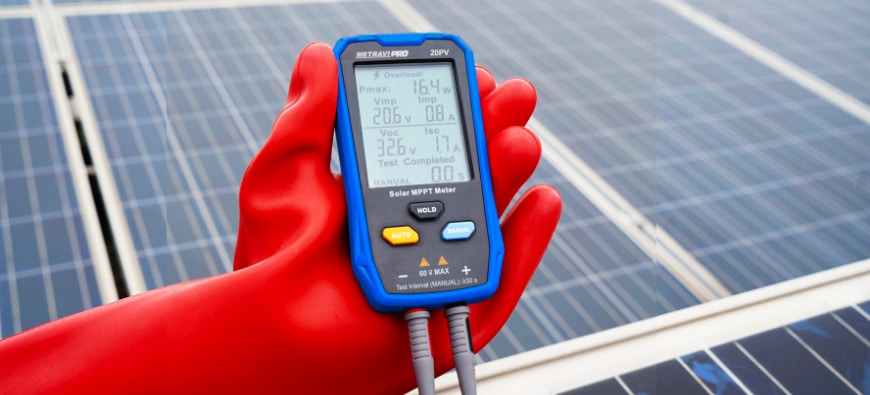
What is a Solar MPPT Meter?
A Solar MPPT Meter or a Solar Maximum Power Point Tracking (MPPT) meter is a device used in solar power systems to monitor and optimise the performance of the solar panels.
What is MPPT?
MPPT is a technology embedded in solar charge controllers or inverters that maximises the energy output from solar panels by continuously tracking the optimal voltage and current combination (the “maximum power point”) under varying conditions, such as sunlight intensity and temperature.
Key Functions of an MPPT Meter:
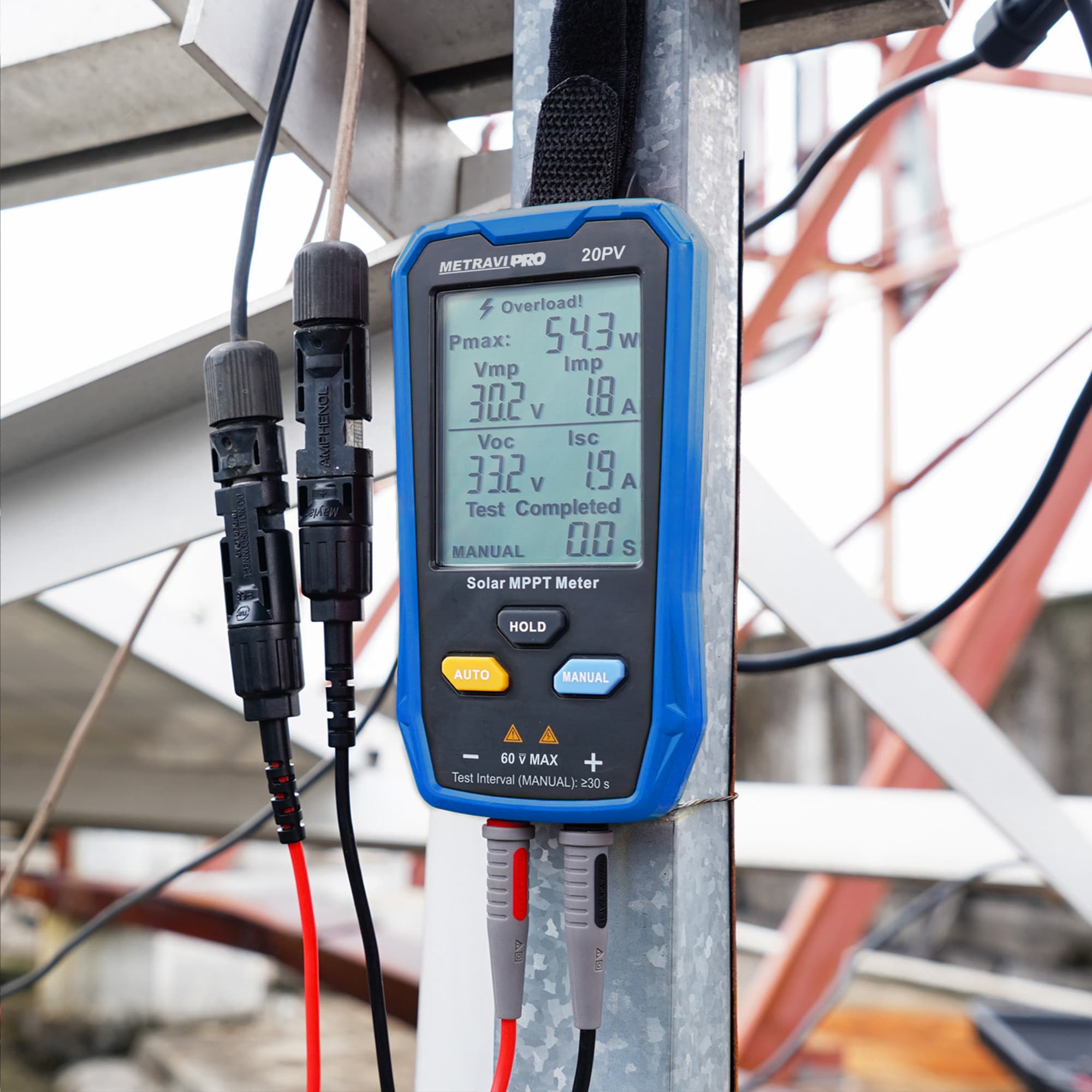
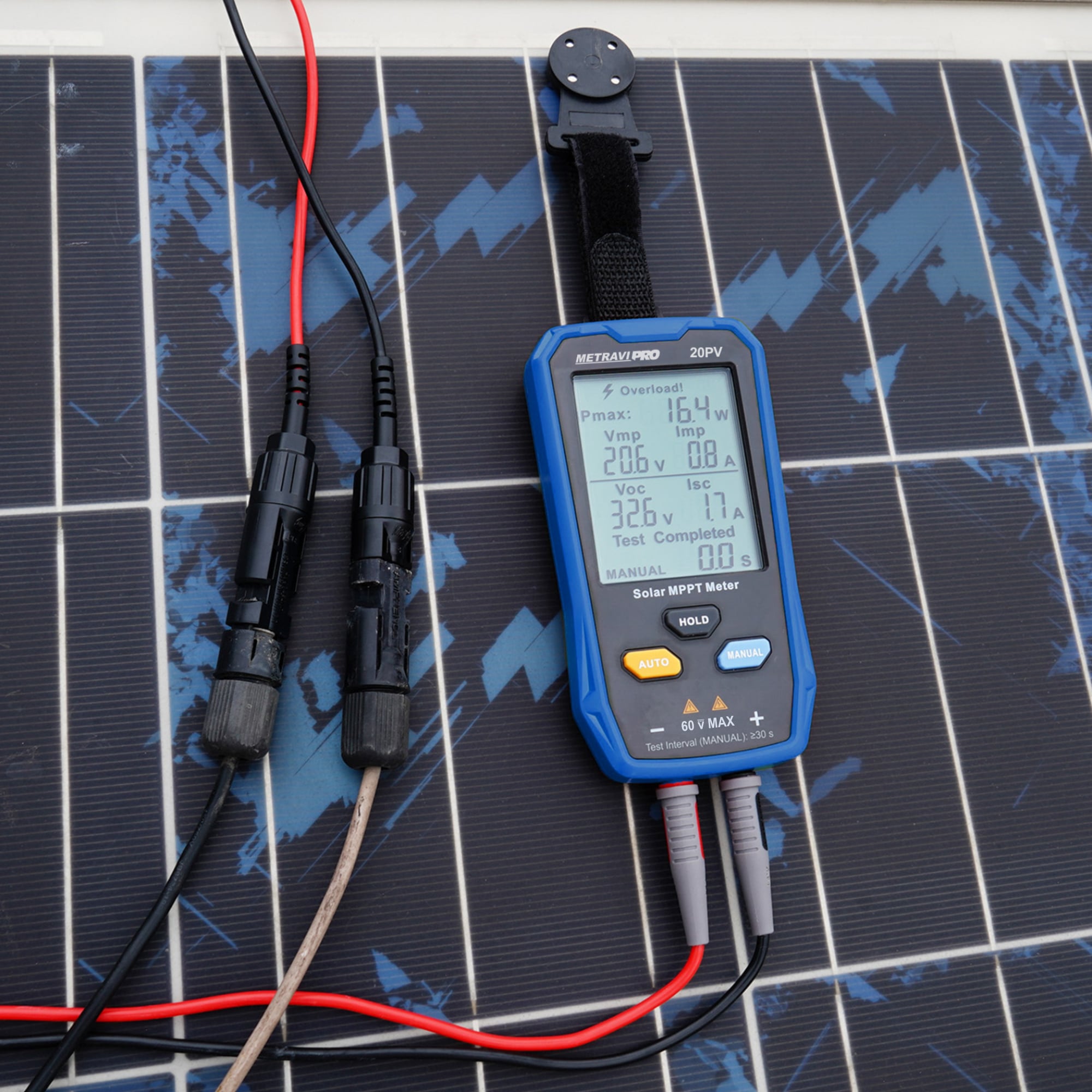
- Monitoring: The MPPT meter displays real-time data about the solar panel system, including the voltage, current, power output, and sometimes even the state of charge of the connected battery.
- Efficiency Optimisation: By adjusting the electrical operating point of the modules or array, the MPPT controller ensures that the solar panels are operating at their peak efficiency.
- Data Logging: Some MPPT meters can log data over time, allowing users to analyse the performance of their solar power system and make adjustments, if necessary.
- User Interface: The meter typically includes a display screen and may have buttons or a touchscreen for interacting with the system and viewing different parameters.
MPPT meters are crucial in maximising the efficiency of solar power systems, ensuring that the maximum possible energy is harvested from the solar panels.
How to use a Solar MPPT Meter?
Using a solar MPPT meter involves a few steps to ensure that you can monitor and optimize the performance of your solar power system effectively. Here’s a general guide:
1. Install the MPPT Charge Controller and Meter
- Connect the Solar Panels: Ensure your solar panels are correctly connected to the MPPT charge controller. The positive and negative terminals of the solar panels should be connected to the corresponding terminals on the controller.
- Connect the Battery: Connect the battery to the charge controller, making sure the positive and negative terminals are correctly aligned.
- Connect the Load (Optional): If you’re powering devices directly from the system, connect the load to the appropriate terminals on the controller.
- Connect the MPPT Meter: Depending on the model, the MPPT meter may be built into the controller or it may be a separate unit connected via a communication cable (often RJ45 or similar).
2. Power On the System
- Once everything is connected, power on the system. The MPPT controller should automatically start managing the power from the solar panels to the battery.
3. Navigate the MPPT Meter Interface
- View Basic Information: The MPPT meter will typically display key information such as:
- Input Voltage (V): Voltage coming from the solar panels.
- Output Voltage (V): Voltage going to the battery or load.
- Current (A): Current from the solar panels and to the battery.
- Power Output (W): Power generated by the solar panels.
- Battery State of Charge (SoC): Percentage of charge in the battery.
- Check Maximum Power Point (MPP): The meter will often show the current MPP, which is the optimal point of operation for the solar panels.
- Monitor Real-Time Data: The meter allows you to monitor real-time data to ensure that the system is operating efficiently.
4. Adjust Settings (If Applicable)
- Some MPPT meters allow you to adjust settings such as charging profiles based on the type of battery being used (e.g., lead-acid, lithium-ion).
- You might also be able to set alarms or thresholds for low or high battery voltage, depending on the controller and meter model.
5. Data Logging and Analysis (Optional)
- If your MPPT meter supports data logging, you can download and analyze historical data to track the performance over time. This helps in understanding trends and making improvements to the system setup.
6. Maintenance and Troubleshooting
- Regularly check the meter for any error messages or unusual readings that might indicate a problem with the system.
- Clean the solar panels and ensure all connections are secure to maintain optimal performance.
7. Consult the User Manual
- Since different MPPT meters have different features and interfaces, always refer to the user manual for specific instructions related to your model.
Using an MPPT meter effectively allows you to keep your solar power system running at peak efficiency, ensuring that you get the most energy possible from your solar panels.


Leave a Reply
You must be logged in to post a comment.